We use cookies to make your experience better. To comply with the new e-Privacy directive, we need to ask for your consent to set the cookies.

$59.00
Specifications
A wireless microphone that packs powerful performance into an ultralight body.
 FREE SHIPPING
Any order over $50 *some restrictions apply
 CALL OR EMAIL
For Support
 EASY RETURNS
Hassle-free process
 SHOP IN OUR SHOP
Visit our store
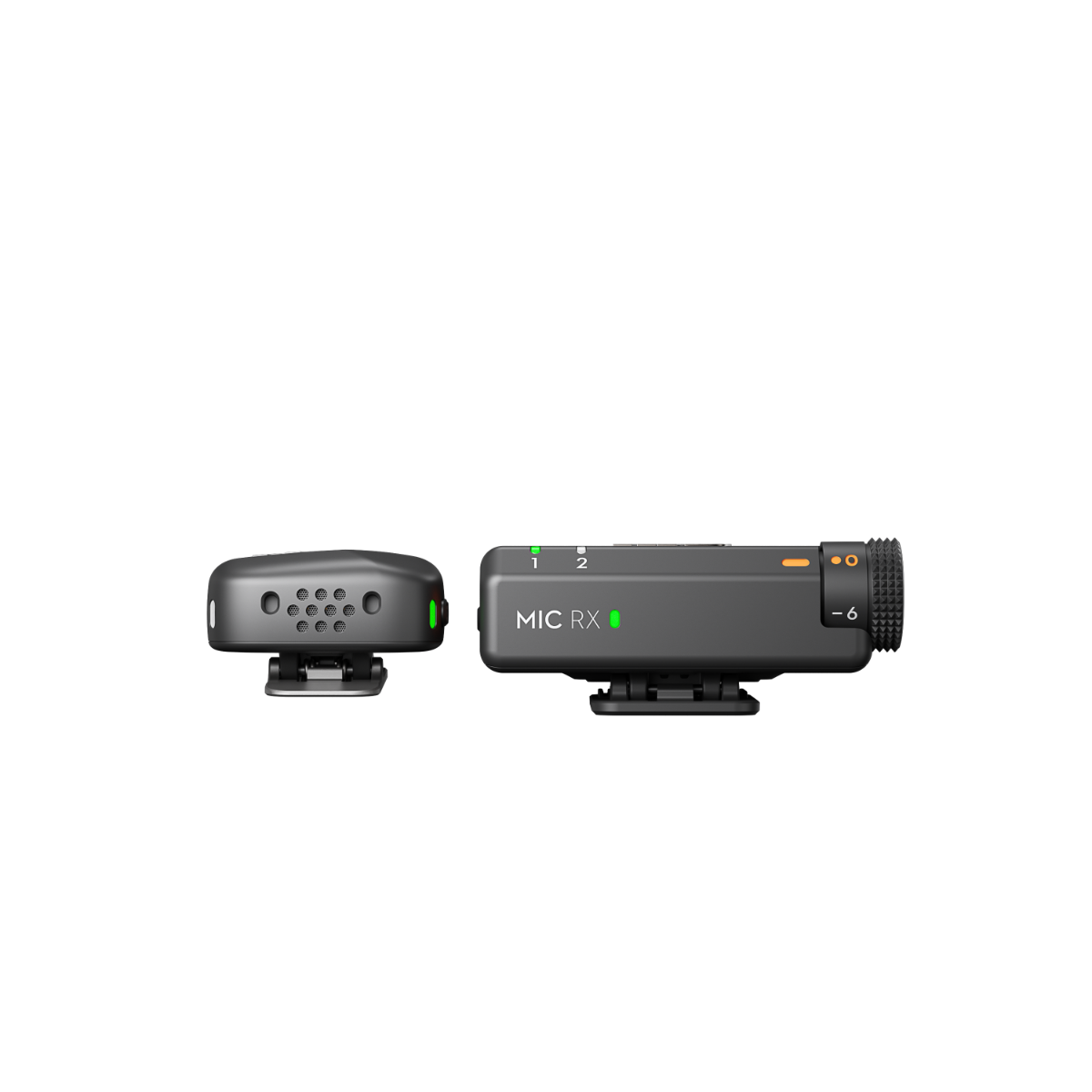
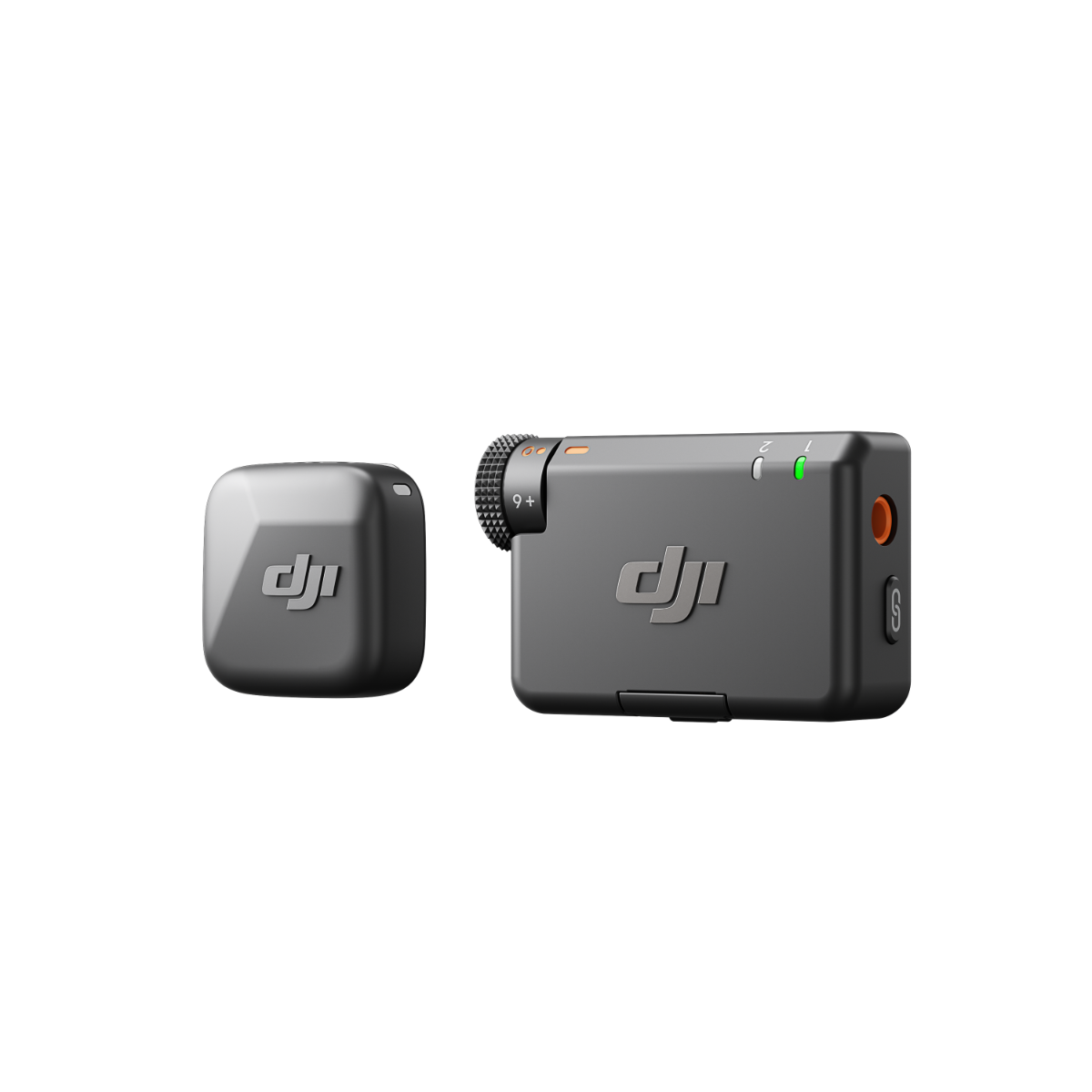
Introducing DJI Mic Mini, a wireless microphone that packs powerful performance into an ultralight body. It ensures stable transmission of high-quality audio, boasts extended battery life, and features direct connection with products in the DJI OsmoAudio™ ecosystem. Experience detail-rich sound recording that elevates your content creation experience. With a simple flip of the case, you are ready to add high-quality audio to any project.
Standout Features:
- Small, Ultralight, Discreet
- High-Quality Audio With Stable Transmission
- 48-Hour Operation w/ Case [1]
- DJI OsmoAudio™ Direct Connection for Premium Sound Quality [2]
- Two-Level Active Noise Cancelling [3]
- Automatic Limiting to Prevent Audio Clipping [4]
Footnotes
1. Measured using DJI Mic Mini (2 TX + 1 RX + Charging Case) paired with a fully charged charging case, with noise cancellation off, during close-range audio recording under interference-free conditions, with both transmitters connected to the receiver and the receiver connected to a camera via the Camera Audio Cable (3.5mm TRS).
2. DJI Mic Mini transmitters can directly connect to select DJI products (one TX for Osmo Action 4, up to two TX for Osmo Pocket 3 and Osmo Action 5 Pro). The transmitter's operating time is approx. 7 to 8 hours when directly connected. Additional DJI products will be supported in the future.
3. Strong and Basic noise cancellation levels can be set via the DJI Mimo app, or directly on the product interface when using an Osmo Action 5 Pro, Osmo Action 4, or Osmo Pocket 3 connected to one or more transmitters via DJI OsmoAudio™ Direct Connection. When the transmitter directly connects to a smartphone, the noise cancellation level cannot be adjusted in the Mimo app; it defaults to the Strong level.
4. When the transmitter is used with the receiver, automatic limiting is enabled by default and can be turned on or off via the DJI Mimo app; when the transmitter is connected directly to a smartphone via Bluetooth, this feature is enabled by default and cannot be turned off. The feature can also be turned on or off directly on the product interface when using an Osmo Action 5 Pro, Osmo Action 4, or Osmo Pocket 3 connected to one or more transmitters via DJI OsmoAudio™ Direct Connection.
| On Sale | No |
|---|---|
| VPN | 289859 |
Write Your Own Review